Prompt
A prompt is the written description you give an AI image generator telling it what to create. The clearer and more specific the prompt - subject, style, lighting, composition - the closer the result matches what you pictured.
A prompt is the instruction at the heart of every text-to-image generation. It is just text, but it is doing a lot of work: it tells the model what the subject is, how it should look, and how the scene should be framed. Writing better prompts is the single biggest lever you have on output quality - bigger than any individual setting.
The parts of a strong prompt
- Subject: the main thing in the image ("a red fox", "a ceramic coffee mug").
- Descriptors: details that pin it down (age, material, colour, mood, action).
- Style: the visual treatment ("watercolour", "cinematic photo", "flat vector illustration").
- Composition & lighting: framing and light ("close-up, shallow depth of field, golden-hour backlight").
Order matters less than coverage: name the subject, then layer on style, lighting and composition. To fine-tune, add a negative prompt for things to avoid, use prompt weighting to emphasise a key word, and turn the CFG scale up or down to control how literally the model follows you. The whole craft of refining prompts is covered in prompt engineering.
Why it matters
A one-word prompt leaves almost everything to chance; a specific, well-structured prompt gives the model a clear target and dramatically narrows the range of results. PixelForge's themed presets and makers are essentially expertly-written prompt scaffolds - you supply the subject and the preset supplies the style, lighting and aspect-ratio language for you.
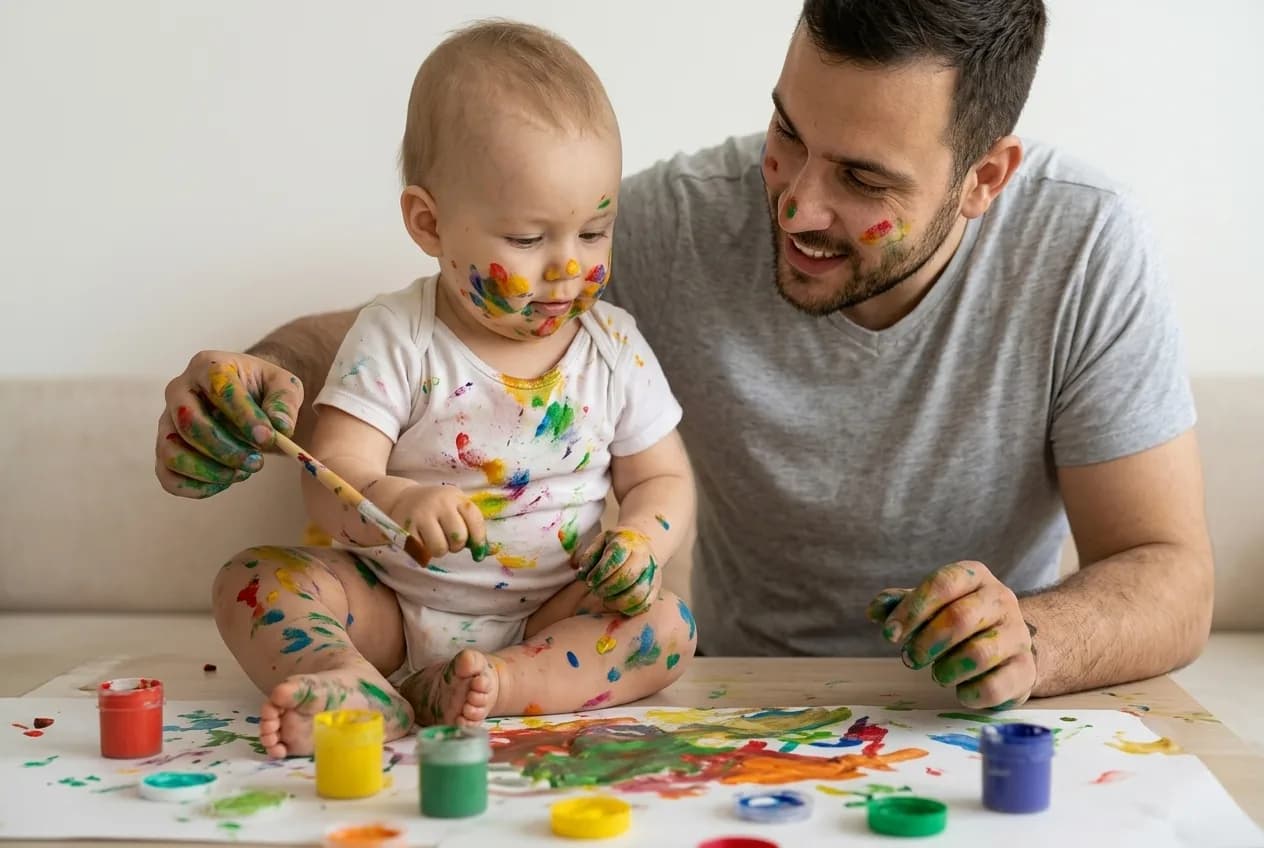
A vague prompt versus a structured one. The structured version names subject, style, lighting and framing, so the model has far more to work with.
Example prompt
A golden retriever puppy sitting in tall summer grass, soft backlit golden-hour light, shallow depth of field, photorealistic, 50mm lensTry it in the generator
Put prompt to work right now - free daily generations, commercial license included.
Frequently asked questions
What makes a good AI image prompt?
Specificity. Name the subject, then add style, lighting and composition. A descriptive prompt like "a cozy reading nook by a rain-streaked window, warm light, photorealistic, 35mm" gives the model far more to work with than a single word, so the result is far more predictable.
How long should a prompt be?
Long enough to cover subject, style, lighting and framing, but no longer. Padding a prompt with dozens of quality words rarely helps and can dilute the parts that matter. Add detail in response to what you actually see in the output.
Related terms
- Prompt engineeringPrompt engineering is the practice of writing, structuring and refining prompts to reliably get the image you want - using description, emphasis, negative prompts and iteration instead of leaving the result to chance.
- Negative promptA negative prompt is a list of words describing what you do NOT want in the image. The model steers away from those concepts while it generates, which removes common flaws and unwanted elements.
- Prompt weightingPrompt weighting lets you boost or reduce the influence of specific words in your prompt, so the model pays more attention to the parts that matter most to you.
- Text-to-imageText-to-image is the AI workflow where you type a written prompt and the model generates a brand-new image from it - no source image required.